🖊️ Written by James Whitfield
Updated 6 months ago
If you've ever wondered what it means for a loyalty card to "live in your phone's wallet," you're not alone. Apple Wallet and Google Wallet passes are one of the simplest, most powerful parts of StampEzee, and you don't need to understand any of the technology behind them to benefit. This guide explains what wallet passes are, how customers use them, and why they help your business stay visible without any extra work on your end.
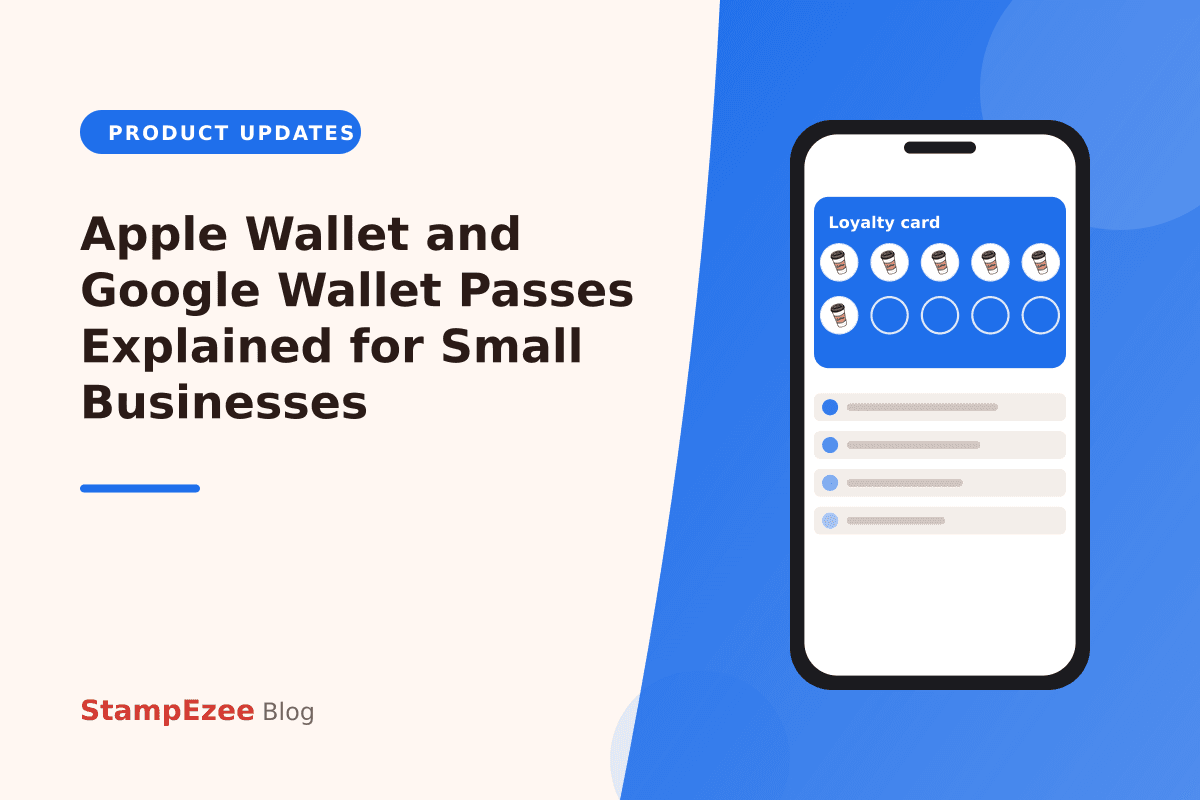
Think of a wallet pass as a digital version of a paper stamp card, but one that lives inside the Wallet app already installed on your customer's phone — Apple Wallet on iPhone, or Google Wallet on Android. It looks like a small card with your business name, logo, and current stamp or point count front and centre.
Customers don't need to download anything extra or create a new account to use it. Once a customer joins your StampEzee loyalty programme, adding the pass takes a single tap, and from then on it behaves just like a boarding pass or a concert ticket sitting quietly in their phone, ready whenever they walk through your door.
Getting a stamp or point card into a customer's wallet is designed to feel effortless. From the StampEzee customer app, customers simply tap "Add to Apple Wallet" or "Add to Google Wallet," and the card appears instantly on their phone — no forms, no passwords, and nothing for your staff to configure.
Because the process takes only seconds, customers are far more likely to actually keep their card handy rather than forgetting about a loyalty programme they joined weeks ago. The easier it is to add, the more likely that card becomes a habit rather than a one-off download.
One of the most useful things about wallet passes is that they update themselves. When your Loyalty Executive scans a customer's QR code to add a stamp or points, the pass on the customer's phone refreshes automatically, usually within moments — they never need to open the StampEzee app or refresh anything manually.
This live-update behaviour means customers always see an accurate picture of how close they are to their next reward, right from their lock screen or wallet app, which keeps your loyalty programme feeling current and trustworthy without any extra effort from you or your team.
Apple Wallet and Google Wallet passes can be set up to appear automatically on a customer's lock screen when they're near your business, thanks to location awareness built into the phone's wallet app. That means a customer walking past your shop might glance at their phone and see your loyalty card right there, a subtle nudge that can turn a passer-by into a paying customer.
It's a form of visibility you don't have to chase — no extra notification to write, no campaign to launch. The pass simply does its quiet work in the background, keeping your business front of mind exactly when it matters most.
The good news for busy retailers is that wallet passes don't require any technical work on your part. Everything is generated automatically from the stamp card or point card you design in the StampEzee dashboard — choose your colours, icon, and reward structure once, and the wallet pass follows the same design without any separate setup.
And if some of your customers simply prefer not to use Apple Wallet or Google Wallet, that's completely fine too. Their loyalty card still works perfectly inside the StampEzee customer app, so nobody is left out — wallet passes are an added convenience, not a requirement.
Was this article helpful?

Contact Us
Still have questions?
If you have questions about setup, loyalty flows, pricing, or roles, our team is here to help you understand how StampEzee fits your business before you launch.